.png?width=220&height=110&name=Copy%20of%20Digital%20Chew%20(Blog%20Banner).png)
Project Casting notifications help you stay up to date on messages, job opportunities, applications, and important account activity.
You can find your latest notifications by selecting the bell icon 🔔 in the top navigation. When you have new notifications, a badge will appear on the bell showing how many updates are waiting for you.
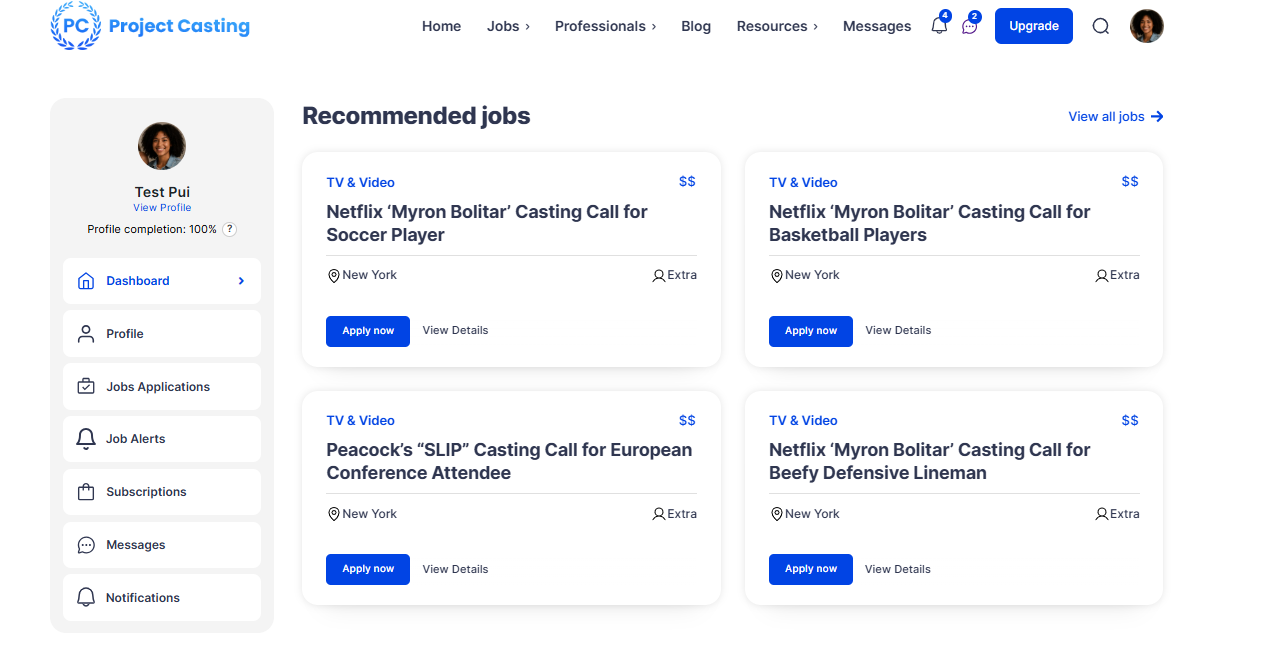
You may receive notifications for activity such as:
Messages
New message from a professional
You'll be notified when another talent or professional sends you a direct message.
New message from a company
You'll receive a notification when a casting company contacts you.
Selecting a message notification takes you directly to the relevant conversation so you can read and reply.
Jobs and Applications
A company reviewed you
We'll let you know when a casting company reviews you for a role.
A company accepted you
You'll receive an update when a company accepts you for a job or role.
A company invited you
If a casting company invites you to an opportunity, we'll notify you so you can review the job and apply.
Job alerts
When new opportunities match your job alert preferences, you may receive a notification with matching casting calls.
Application submitted
After successfully applying for a job, you'll receive confirmation that your application was submitted.
Job matches
You may also receive notifications when a new opportunity closely matches your profile and experience.
Profile and Account Updates
Profile reminders
If your profile is incomplete, you may receive reminders to add information that can help casting professionals discover you.
Unread message reminders
If you have messages waiting for you, we may remind you to return to your inbox.
Account and subscription updates
You may occasionally receive notifications related to your Project Casting account or subscription activity.
Selecting a notification will take you to the area of Project Casting associated with that update.
Depending on the notification, this may include:
- Your Inbox
- A specific conversation
- A job listing
- Your Job Feed
- My Applications
- Your Profile
- An account or subscription page
This makes it easier to take action without having to search for the relevant page.
Get notifications on the go
Want to make sure you don't miss your next opportunity? Download the Project Casting app to receive push notifications directly on your phone.
With the app, you can stay updated when new opportunities become available, check messages, browse casting calls, and apply to jobs wherever you are.
Download the Project Casting app →
For the best experience, make sure notifications are enabled for Project Casting in your device settings.
Push notifications can help you quickly see important updates, including new messages, job activity, and application updates, even when you're not currently using Project Casting.
Your device's notification settings may affect whether Project Casting notifications appear on your phone.
Why am I not seeing a notification?If you're expecting a notification but don't see one:
- Check the notification bell in Project Casting.
- Check your device's notification permissions for the Project Casting app.
- Open your Inbox directly if you're expecting a message.
- Check your Job Feed or My Applications if you're expecting an update about a casting call.
Some notifications are sent only when relevant activity occurs, so not every Project Casting activity will generate a notification.
Stay on top of opportunities
We recommend checking your notifications regularly so you don't miss messages from casting professionals, invitations, application updates, or new opportunities that match your profile.