.png?width=220&height=110&name=Copy%20of%20Digital%20Chew%20(Blog%20Banner).png)
Step 1: Download the Project Casting App
Start by downloading the Project Casting app on your mobile device.
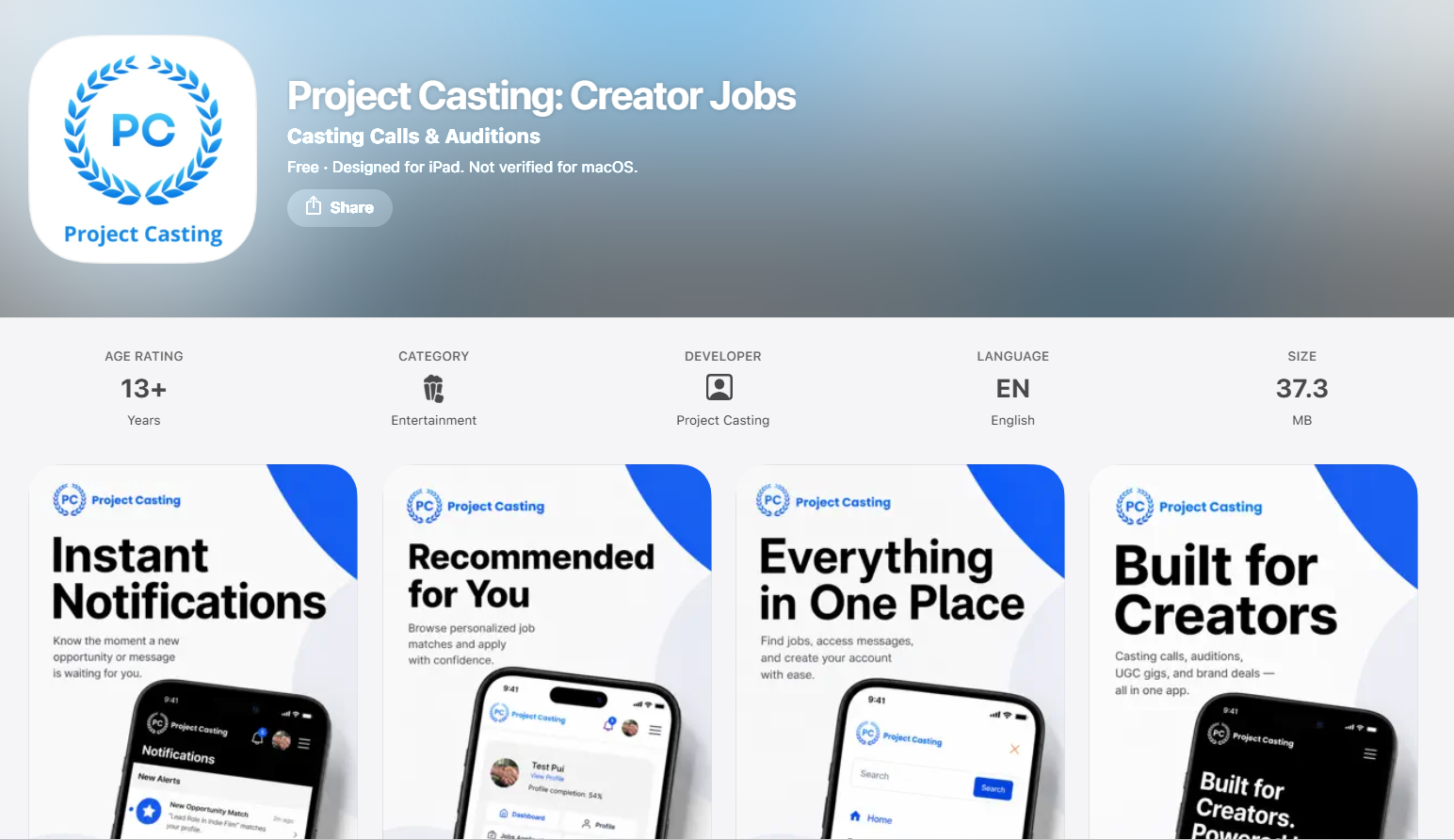
For iPhone or iPad users:
- Visit the Apple App Store.
- Search for “Project Casting.”
- Tap “Download” or “Get.”
- Open the app once the download is complete.
For Android users:
- Visit the Google Play Store.
- Search for “Project Casting.”
- Tap “Install.”
- Open the app once the download is complete.
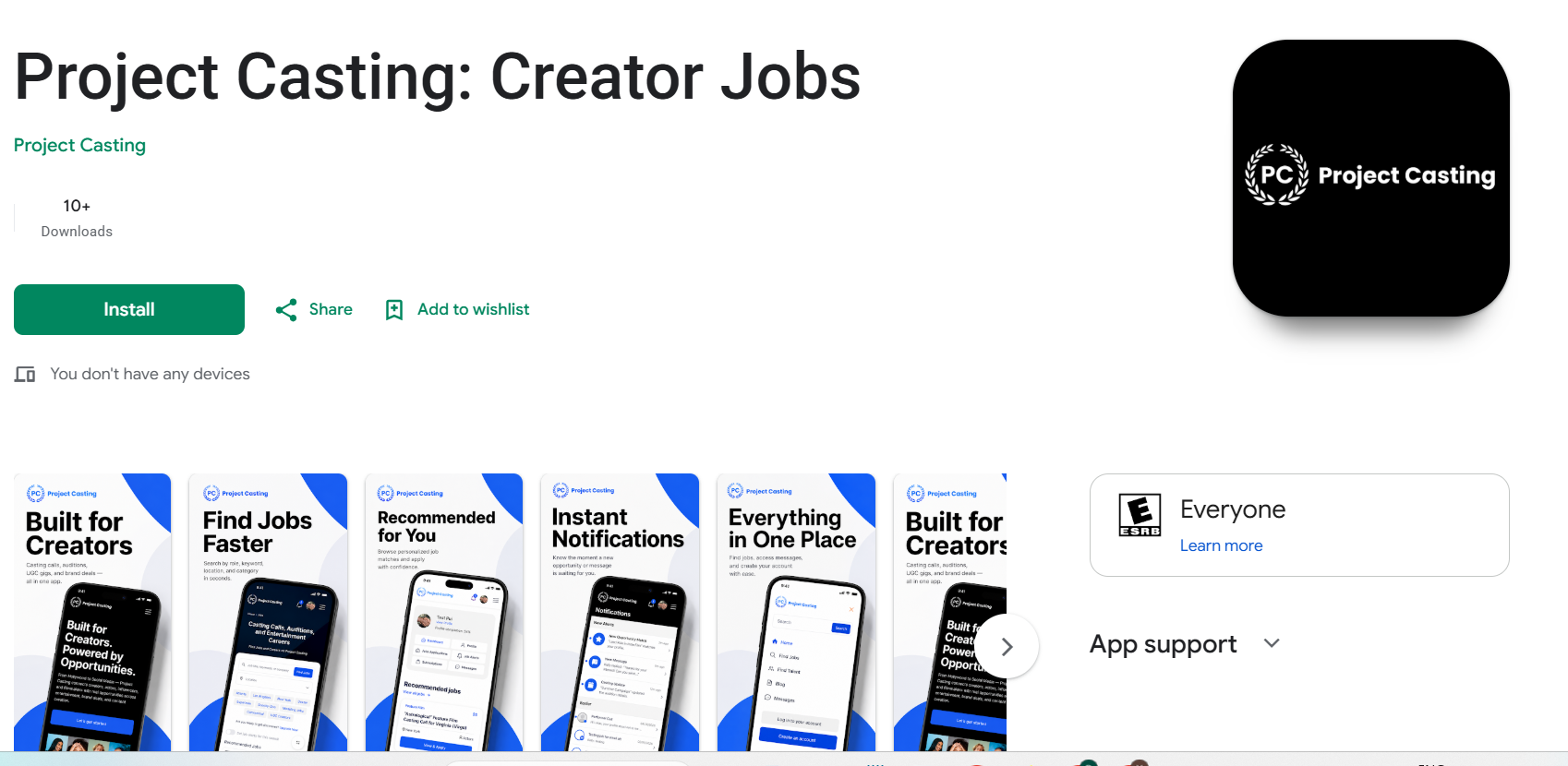
You can also download the app directly from the App Store or Google Play links provided on the Project Casting website.
Step 2: Open the App
Once the app is installed:
- Open the Project Casting app.
- Review the welcome screen.
- Tap “Let’s get started” or “Create an account” to begin.
Step 3: Create Your Account
To create your account:
- Tap “Create an account.”
- Enter the security code sent to you.
- Enter your required account details.
- Follow the on-screen instructions.
Make sure your information is accurate so you can access your account and receive important updates.
Step 4: Complete Your Profile
After creating your account, complete your profile so you can apply to opportunities and stand out to casting teams and brands.
Add details such as:
- Profile photo
- Name
- Location
- Bio
- Skills
- Experience
- Acting, modeling, UGC, influencer, or voiceover details
- Photos, reels, or portfolio links if available
A complete profile helps casting teams and brands better understand who you are, where you are located, and what opportunities may be a good fit.
Step 5: Start Browsing Jobs
Once your account is set up:
- Go to the Jobs section.
- Search by keyword, role, company, category, or location.
- Browse available casting calls, auditions, UGC gigs, modeling jobs, voiceover work, and brand opportunities.
- Open any listing to review the details.
Step 6: Apply to Opportunities
When you find an opportunity that matches your profile:
- Open the job listing.
- Review the requirements, location, pay details, and application instructions.
- Make sure your profile is complete and up to date.
- Follow the application steps provided in the listing.
Applying quickly to relevant opportunities can help you stay competitive.
Step 7: Turn On Instant Notifications
To stay updated, enable instant notifications in the app and on your device.
Instant notifications can help you receive updates about:
- New job matches
- Casting updates
- Messages
- Application updates
- Job alerts
You may also need to allow notifications in your phone settings.
Step 8: Manage Your Account
You can manage your account from your dashboard or profile section.
Depending on your account, you may be able to access:
- Profile
- Job applications
- Job alerts
- Messages
- Subscriptions
- Account settings
Keep your information updated so you can receive the most relevant opportunities and account notifications.
What Happens Next?
After setting up your account:
- You can browse available opportunities.
- You can apply to jobs that match your profile.
- You can receive instant notifications for new updates.
- You can manage your profile, applications, messages, and job alerts from the app.
- You can update your account details anytime from your dashboard or profile section.
Summary
To get started with the Project Casting app, download the app from the Apple App Store or Google Play Store, create your account, verify your information, complete your profile, and start browsing opportunities. Turning on instant notifications can help you stay updated when new casting calls, creator jobs, messages, and application updates are available.