.png?width=220&height=110&name=Copy%20of%20Digital%20Chew%20(Blog%20Banner).png)
How to Log In as a Company on Project Casting
Learn how to log in to your Project Casting company account using your registered email to manage castings and view applicant submissions.
If you're managing a company account on Project Casting, logging in is quick and straightforward. This guide will walk you through the steps to access your dashboard and begin managing job posts, talent applications, and more.
Step-by-Step Instructions
1. Visit the Login Page
Go to the Project Casting login page:
https://projectcasting.com/login
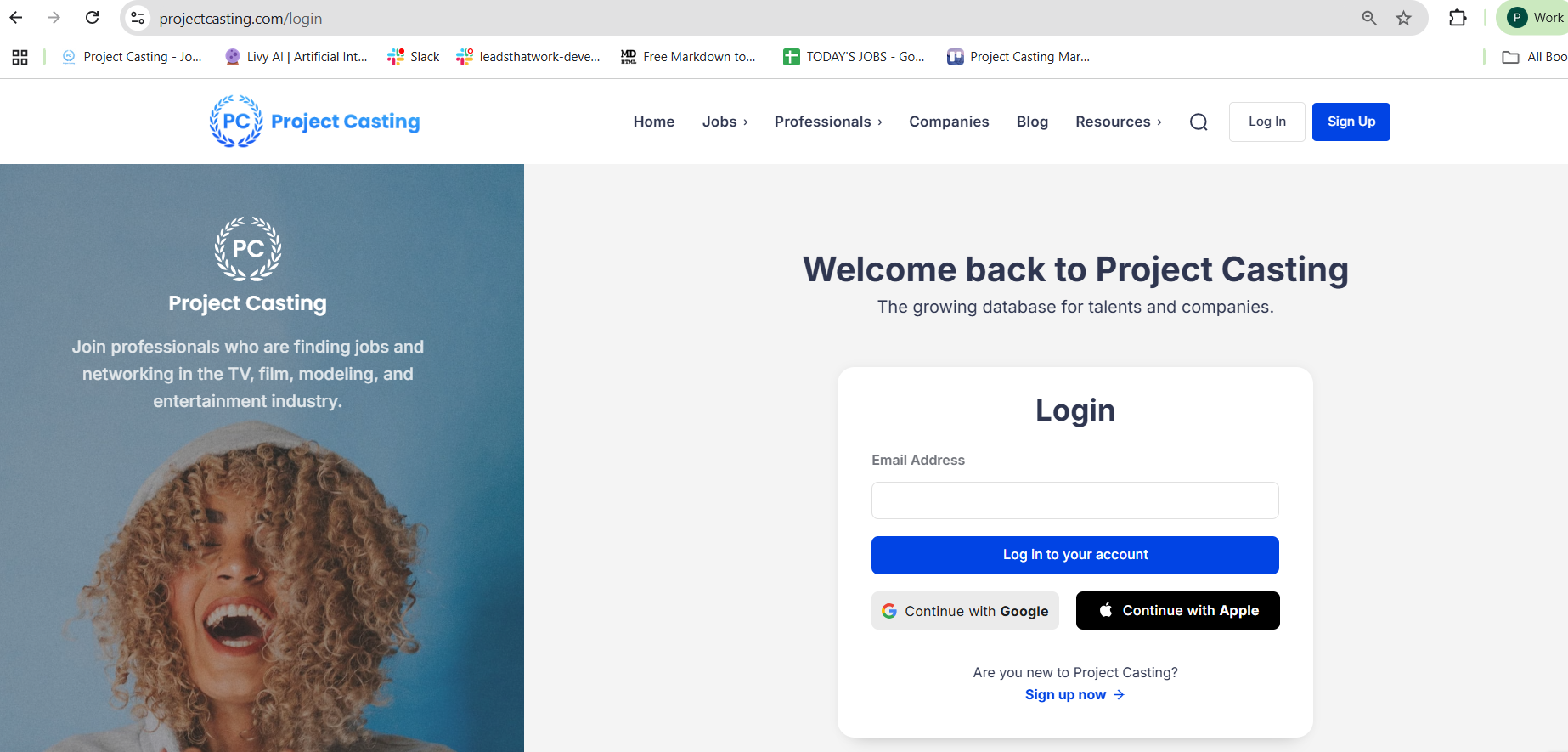
2. Enter Your Registered Company Email
Log in using the email address that was used when registering the company account on Project Casting.
Tip: If you’re unsure which email was used, check the inbox that receives job applicant notifications. That is typically the one tied to the account.
Troubleshooting Tips
-
Still can’t access the account? Contact our support team at support@projectcasting.com for assistance.
Still can’t access the account? Contact our support team at support@projectcasting.com for assistance.
Need Help?
If you run into any issues or have questions about your company account, don’t hesitate to reach out. Our team is here to help ensure you get access and start connecting with the right talent efficiently.